
Reference

bvt99 App — Your Lobby on Any Device

The bvt99 app experience runs through your mobile browser — open the site, log in, and your full account is right there. Availability depends on local law and eligible regions in Bangladesh.

Mobile browser accessAccount wallet on screenDevice compatibility checkNo forced downloadAvailability varies by region
bvt99 bvt99 App — Your Lobby on Any Device

Which Devices Work With bvt99

The bvt99 mobile experience is designed around standard browser rendering, not a specific operating system version. If your device runs a modern browser, the lobby should load correctly. Here is what to check before you start.

Browser requirementChrome, Firefox, Samsung Internet and Safari are all compatible. Older or niche browsers may render the layout incorrectly — updating to the latest version of your preferred browser fixes most display issues.
Screen layoutThe lobby layout is responsive and adjusts to portrait and landscape orientations. Tablets display a wider grid view; phones default to a single-column scroll with the cashier pinned at the top.
Account requirementsYou need a verified bvt99 account to access the full lobby on mobile. Account registration and identity checks are completed once and carry across all devices you use.
Checking supported devicesIf you are unsure whether your specific handset is supported, open bvt99 on that device and check whether the lobby and account menu load without layout breaks.
Region eligibilityMobile access is subject to availability in your region. Whether you can access and use bvt99 depends on local law and the eligible regions currently supported.
bvt99 Inside the bvt99 Mobile Experience

Inside the bvt99 Mobile Experience

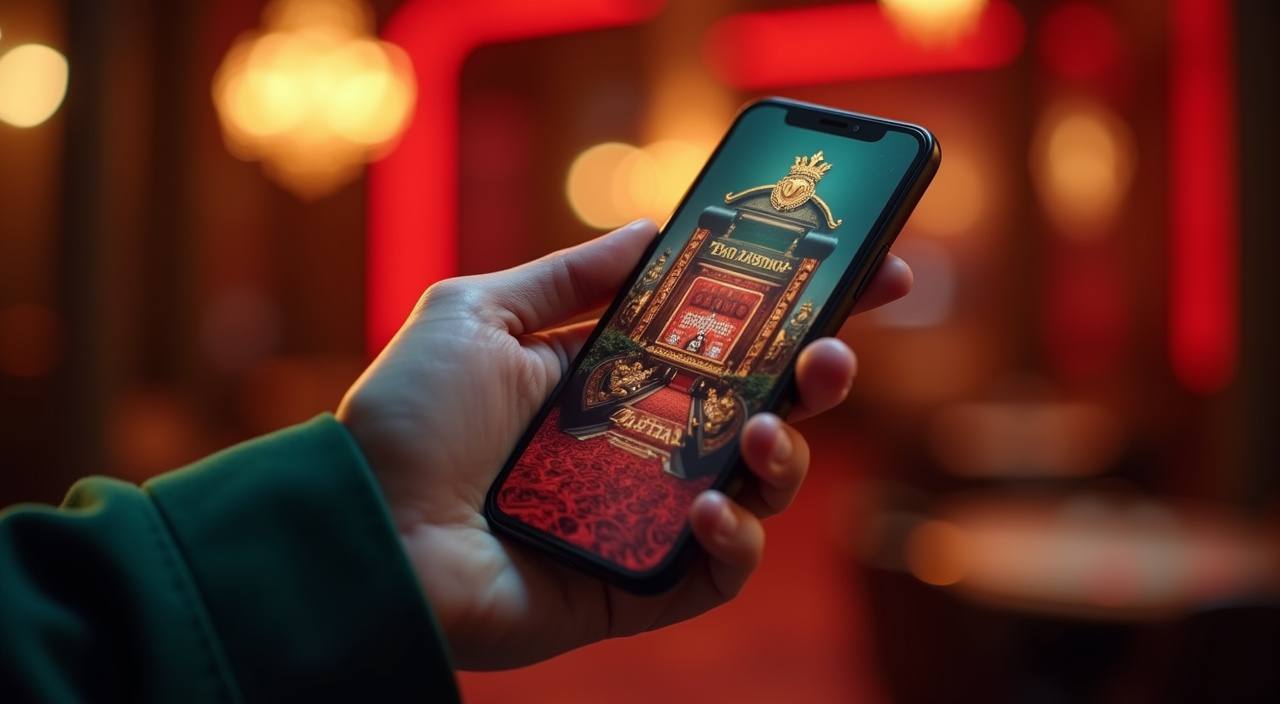
When you open bvt99 on your phone, the lobby loads your slots, live casino tables and sportsbook in one scrollable view — no switching between apps. Crash games like Aviator sit alongside Teen Patti Express and Dragon Tiger, so you move between titles without reloading. The quick-deposit shortcut in the account menu keeps your wallet topped up fast. Push notifications for match

updates on BPL and international cricket let you act on your betslip the moment something changes. Fingerprint login, where your device supports it, means you skip the password on every return visit. The layout adjusts cleanly to smaller screens, keeping the cashier, lobby and live tables all reachable with a thumb.

APP FEATURE SET

Four Things the Mobile App Does Well

These are the features we hear about most from people already using the bvt99 mobile experience day to day — each one reduces the friction between you and the game you want.

Fingerprint Login Where your Android or iOS device supports biometric unlock, you can set it in account security settings and skip typing your password on every return visit.
Push Notifications Opt in to match alerts and we send a notification when BPL or international cricket markets open, so your betslip stays current without you refreshing manually.
Dark Mode Layout The interface shifts to a darker colour scheme automatically on devices with system dark mode enabled, making the lobby easier on the eyes during low-light sessions.
Quick Deposit Shortcut A single tap from the lobby header opens the deposit screen, showing your saved wallet method so you can add funds and return to your game in seconds.
bvt99 Mobile Access in 3 Steps

Mobile Access in 3 Steps

There is no app-store download required to use bvt99 on your phone. The mobile site is built to work directly in your browser, so you get the full lobby without managing an APK file or waiting for an install. Open your browser — Chrome on Android and Safari on iPhone both work well — and go to bvt99. If the site prompts

you, check that Javascript is enabled and that your browser is not blocking cookies for the domain. Log in with your account credentials, or use fingerprint unlock if you have already set it up. Once you are inside, you can add bvt99 to your home screen as a shortcut so it opens like a native app next time. Players in Dhaka and

elsewhere across Bangladesh have been using this path with no additional setup.

  • Open bvt99 in your browser — Type bvt99 directly into Chrome, Firefox or Safari. No app store and no APK needed — the mobile site loads the full lobby immediately.
  • Check browser compatibility — Make sure Javascript is on and cookies are allowed for bvt99. If the page does not load cleanly, a quick browser settings check usually fixes it.
  • Sign in securely — Enter your account details or use biometric login if enabled on your device. Two-factor verification may apply depending on your account security settings.
  • Add to home screen — Use your browser's share menu to save bvt99 as a home-screen shortcut. It opens directly to your account without typing the address each time.

bvt99 App — Frequently Asked Questions

These are the questions we get most often about using bvt99 on mobile. If something is not covered here, reach out through the account support channel.

bvt99 currently runs through the mobile browser rather than a dedicated store listing. Open bvt99 in Chrome or Safari to access the full lobby without any download.

Yes, where your device supports biometric authentication, you can enable fingerprint login in your account security settings. It replaces the password step on return visits.

If you add bvt99 to your home screen and allow browser notifications, you can opt in to match alerts for BPL and international cricket markets directly from account settings.

The mobile browser version loads the complete lobby — slots like Gates of Olympus, live tables including Dragon Tiger, and the sportsbook with cricket betting are all accessible from your phone.

Check that Javascript is enabled and cookies are allowed for bvt99 in your browser settings. Updating your browser to its latest version resolves most layout and loading issues.

Yes. The quick-deposit shortcut in the lobby header opens your cashier screen. From there you can add funds and return to your game without navigating away from the lobby.
Reference

bvt99 App

Service availability depends on eligible regions and local law. Users should check local rules before opening an account.

Access may be available only where local law permits.